Sistema Soft Platform for
Work Tracker System
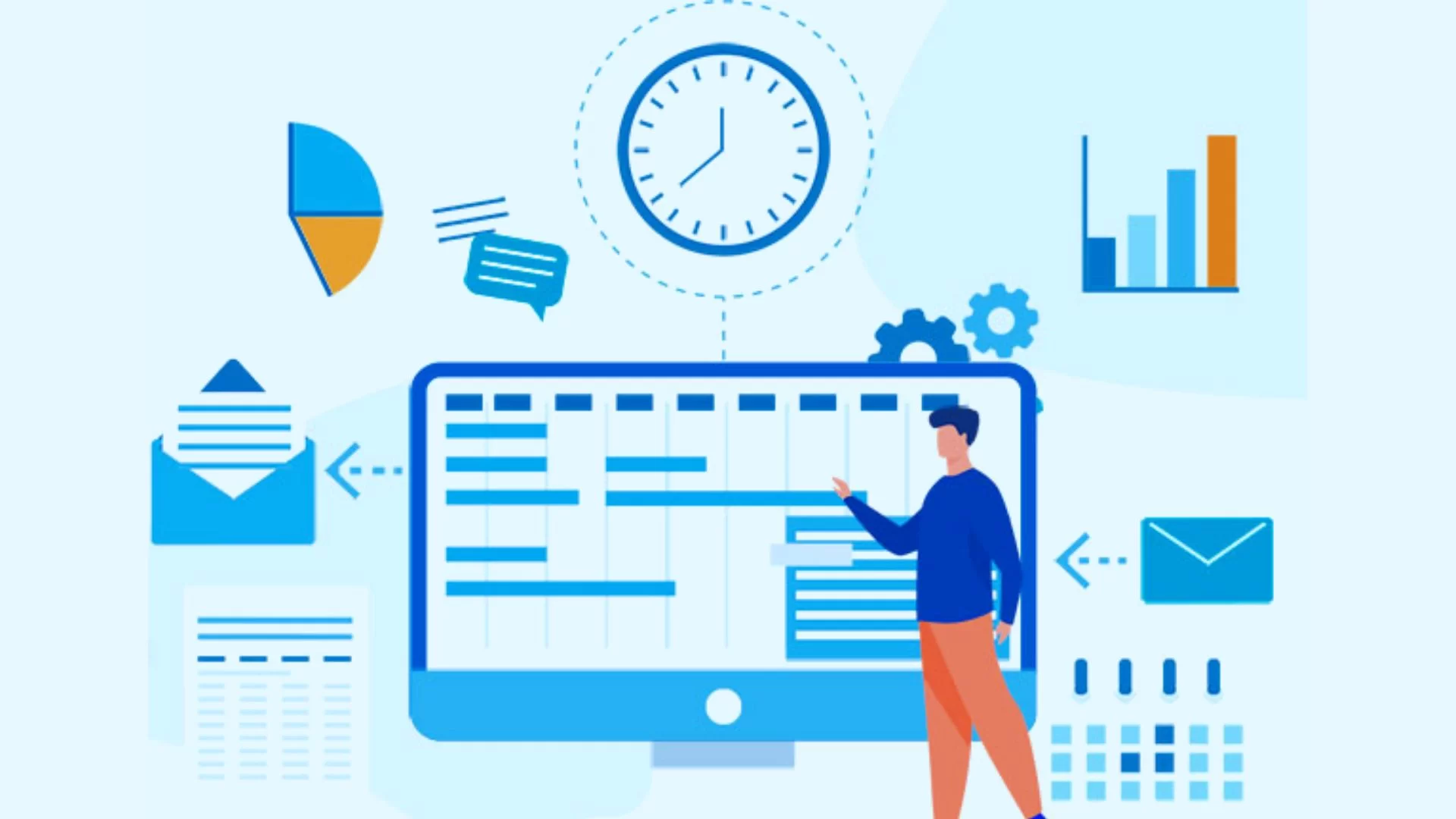
A Work Tracker System is a tool designed to help individuals or teams track their tasks, progress, and productivity. It can be used for personal organization or as a part of project management.

Work Tracker Management refers to overseeing the effective use of a Work Tracker System within an organization or project. Proper management ensures tasks are tracked, deadlines are met, and the entire team is aligned toward achieving project goals.A Work Tracker System is essential for both individuals and organizations for several reasons. It helps improve productivity, ensures accountability, and facilitates better management of tasks and projects.
Features of Sistema Soft Work Tracker System Software
Planning and Task Allocation
Define Project Goals: Break down the project into manageable tasks aligned with overall goals.
Task Prioritization: Categorize tasks by priority (e.g., urgent, high, medium, low) to ensure important items are handled first.
Assign Roles: Ensure that tasks are assigned to team members based on their expertise and workload capacity. Delegate appropriately.
Task Monitoring
Regular Updates: Ensure tasks are regularly updated with their status (e.g., "In Progress," "Completed"). This prevents bottlenecks and ensures that everyone is aware of progress.
Set Deadlines: Establish clear deadlines for each task to promote accountability.
Progress Meetings: Conduct regular check-ins or stand-up meetings to monitor progress and resolve issues.
Performance Metrics and Reporting
Track Performance Indicators: Use key performance indicators (KPIs) to measure task completion, efficiency, and time spent.
Generate Reports: Produce reports to analyze team performance, track project deadlines, and provide updates to stakeholders.
Review Bottlenecks: Use analytics to identify tasks that are consistently delayed or blocking other tasks, and resolve them.
Resource Management
Workload Balancing: Monitor workloads across team members and redistribute tasks if certain individuals are overloaded while others are underutilized.
Time Tracking: Keep track of how long team members are spending on tasks to identify potential inefficiencies or issues that need additional resources.
Budget Management: If applicable, link task progress and time tracking to financial reports to stay within the budget.
Communication and Collaboration
Facilitate Communication: Ensure that the work tracker system has a place for discussion and feedback on tasks to avoid misunderstandings.
Shared Visibility: Make sure that relevant stakeholders can see the status of the project and individual tasks to ensure transparency.
Feedback Loop: Create a system for feedback, where team members can offer suggestions for improving workflows.
Automation and Workflow Optimization
Automated Reminders: Set up automatic reminders for upcoming deadlines or overdue tasks to ensure things don’t fall through the cracks.
Automate Repetitive Tasks: Create workflows to automatically update task statuses, notify team members of changes, or generate reports.
Template Tasks: For recurring projects or tasks, set up templates to save time on task creation and assignment.